That doesn't happen to me (until it did)
Ads about forgotten subscriptions always baffled me. Until I found one I was sure I had cancelled. Twice. And when I started cancelling things, I found that leaving is designed to cost more than joining.
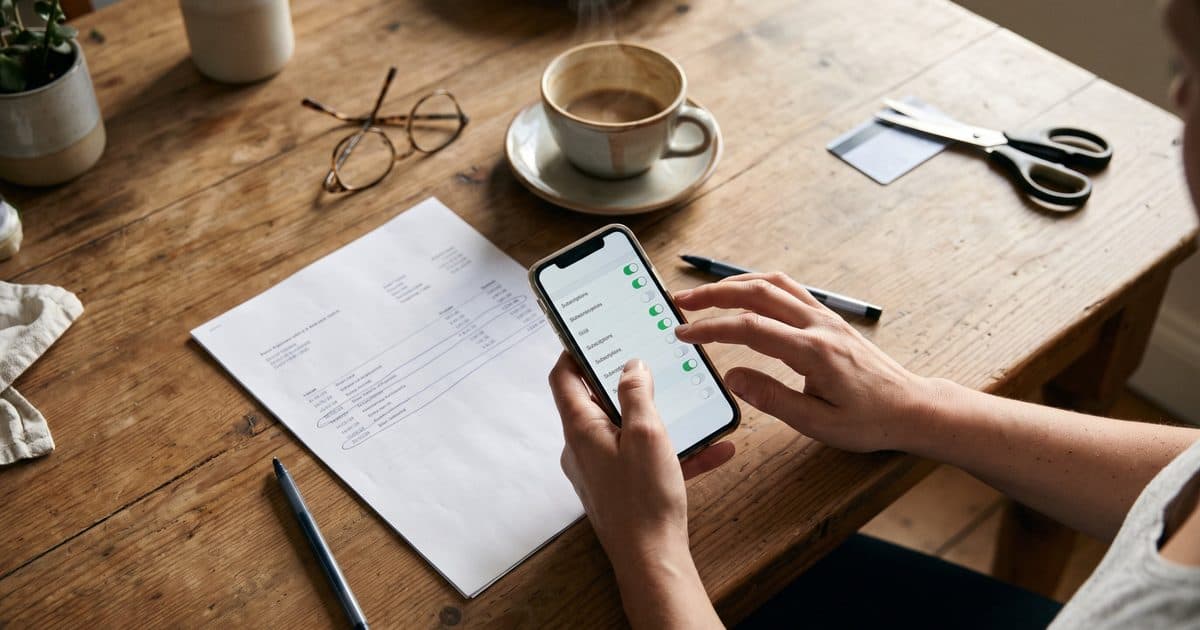
Every time I see an ad for an app that checks your spending, with people amazed to discover subscriptions they didn't know they had, I think the same thing: really? Who doesn't know what they pay for? That doesn't happen to me.
It happened to me. Twice.
While preparing my quarterly VAT return, I found I was still being charged for YouTube Premium. I was surprised, because I was sure I had cancelled it, so I cancelled it again. Three months later, preparing the next return, there it was again. In total I've paid for four or five months too many, at £16.99 a month: between £68 and £85 for ad-free videos I barely watched.
The best part is why. Both times I had cancelled it through Google, or so I thought. They send you round in circles of links, you click, click again and walk away convinced you've confirmed. Nobody tells you that you haven't.
This time I looked for the cancellation email. There wasn't one, and the cancel link was still there, perfectly calm. That's how I found out it wasn't cancelled through Google but through Apple, because Apple was the one charging me. Nobody explained it: I was just determined to complete the mission.
I cancelled through Apple and finally saw the word "cancelled". The confirmation email never arrived either, so I took a screenshot.
What I found when I kept pulling the thread
I'm putting my finances in order. I've lived in several countries and I earn, spend and invest in several currencies, so I have far too many accounts, cards and subscriptions. I set about cancelling, and found three more traps.
1. The card that always leaves something on the table
I want to cancel my Barclaycard. I've built up a reward that can be turned into Amazon credit, but only in £5 chunks. Right now I have £3.37.
If I wait until I reach £5, I keep using the card, and when I redeem there's always a bit left over. Back to square one: it never adds up, so you always feel you're leaving money behind if you cancel. It's a ridiculous amount, and it still works: nobody wants to give a bank £3 for free.
I'm cancelling it anyway. £3.37 is the price of having one less card on my mind.
2. The audiobooks that pile up on their own
I have an annual Audible subscription. It used to make sense. For the last couple of years I haven't had the time, and the credits (one credit is one audiobook) have piled up. Right now I have 32.
If I cancel, I lose any credits I haven't spent before May, when the year I've already paid for ends. If I don't cancel, in May I get 24 more credits, and the problem grows instead of going away.
Both doors are designed to keep you in. The only way out I can see is to cancel and buy 32 audiobooks before May. Books you've bought stay with you even after you leave. I've got listening until I retire. Which, to be fair, is the plan.
3. The treatment that was for a year (or not)
I signed up for a beauty treatment subscription that, when they sold it to me, was for a year. Now it turns out it renewed itself, month after month, with no end date.
To cancel, the app tells you to contact the clinic. The clinic tells you to email a different address. That address then asks you to confirm that you want to cancel what you've already asked them to cancel. Wouldn't it be easier to put an option in the app? Yes. That's why they don't.
And after months of paying, I don't know if I'm ahead or behind: whether I'm paying in advance for treatments I haven't had yet, or still paying for ones I've already had. The app, of course, doesn't show it anywhere.
The trap has a name
In app design they call this friction: how many steps, doubts and hassles stand between you and what you want to do. Signing up has zero friction, one button and done. Cancelling has maximum friction: another site, another email, another password, a message that makes you hesitate.
Amazon Prime is the textbook example. Years ago I tried to cancel and I'd swear I left without having cancelled, lost in confusing links. In the US, the consumer watchdog sued Amazon over exactly that. Internally, the cancellation process was nicknamed "Iliad", after the poem about the siege of Troy. Amazon ended up paying $2.5 billion to settle the case, without admitting wrongdoing.
It's not you being clumsy. It's design.
What I do now
If you fancy your own clear-out:
Look at who charges you, not who provides the service. Find the charge on your statement. If it says Apple or Google, you cancel in your phone's subscription settings (on an iPhone, under your account settings), not in the app. Check them once a month: it takes a minute.
Set a reminder before every annual renewal. A month before, so you can decide calmly and use up whatever you've built up.
Check the cancellation and keep proof. If the confirmation email doesn't arrive and the cancel link is still there, you haven't cancelled. When it says "cancelled", take a screenshot.
Accept losing the leftovers. The pennies left over are the bait to make sure you never leave.
I'll stop laughing at those ads. But I don't need an app that reads my accounts: I need to know what I pay, to whom and when it renews. I'm building a tool to help you organise your finances, and keeping track of subscriptions is part of it. If you'd like to hear when it's out, sign up for updates.
Where all this comes from
- The Amazon Prime case: 2025 settlement with the FTC, the US consumer watchdog. ABC News
Did this article help?